
A Trainer, Not a Sculptor
Real Hooves Compared
Before and after trimming Step by step What really matters
One App, Two Functions.
One App, Two Functions.
The visual learning system
Observe. Compare. Understand.
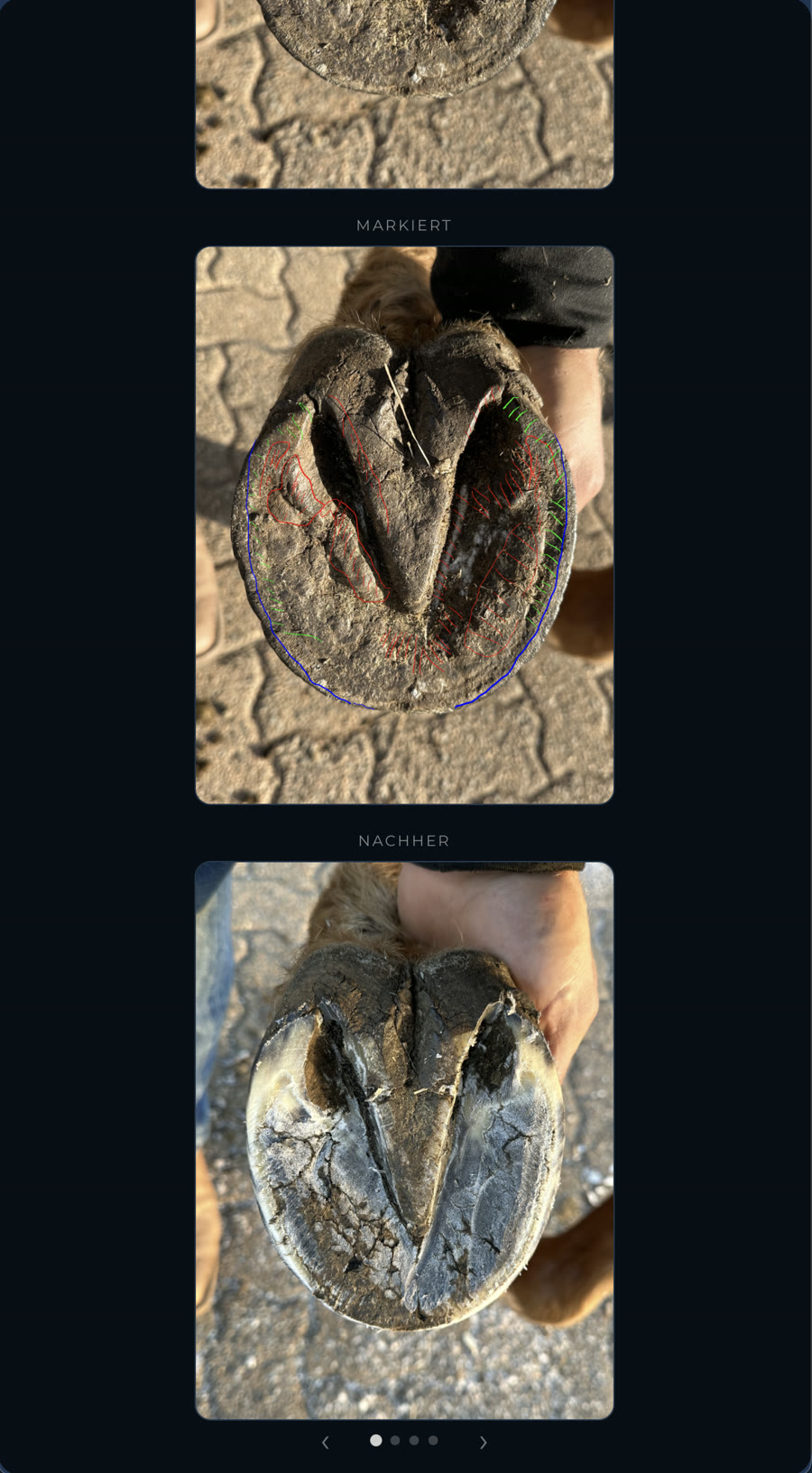
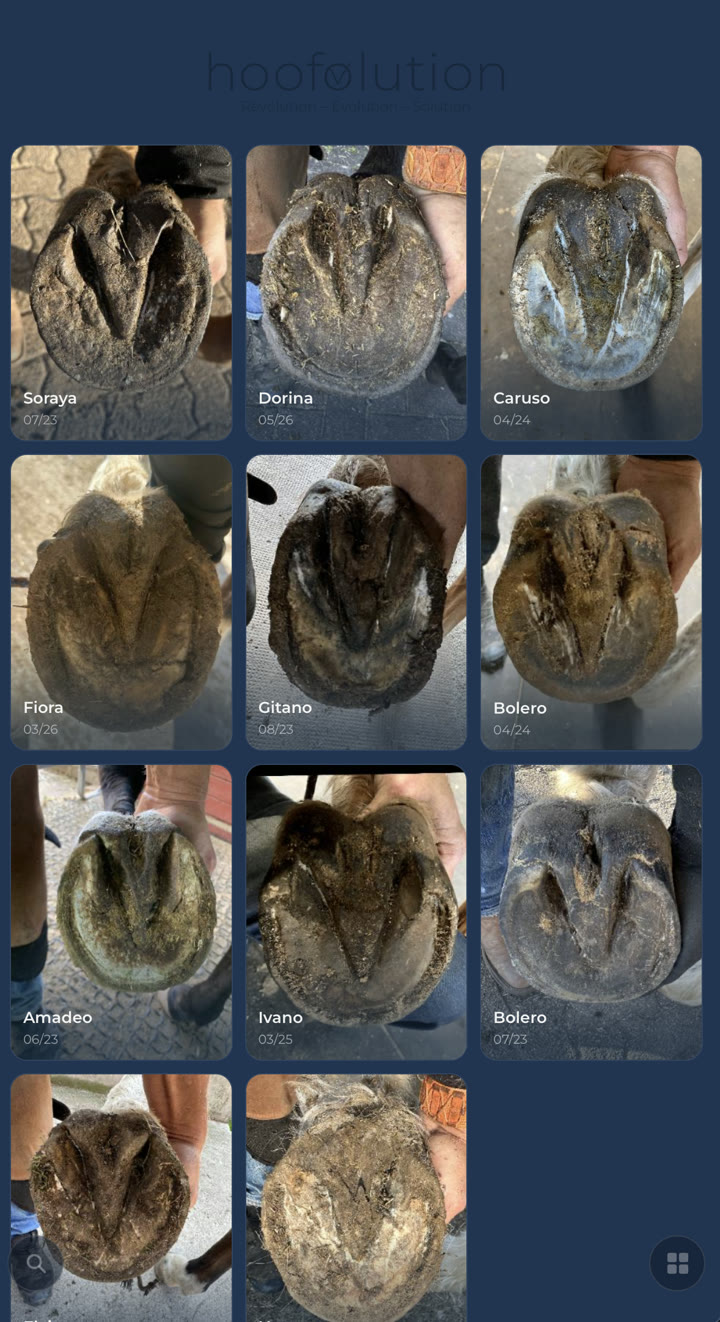
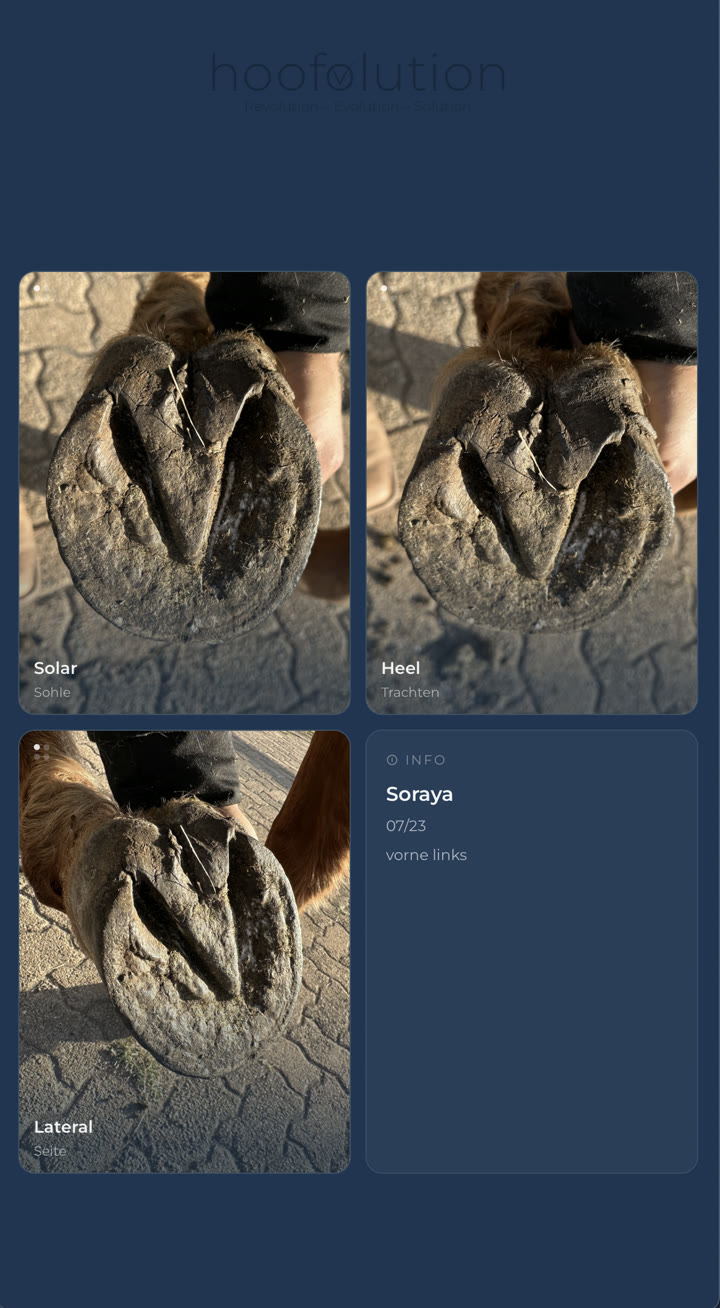
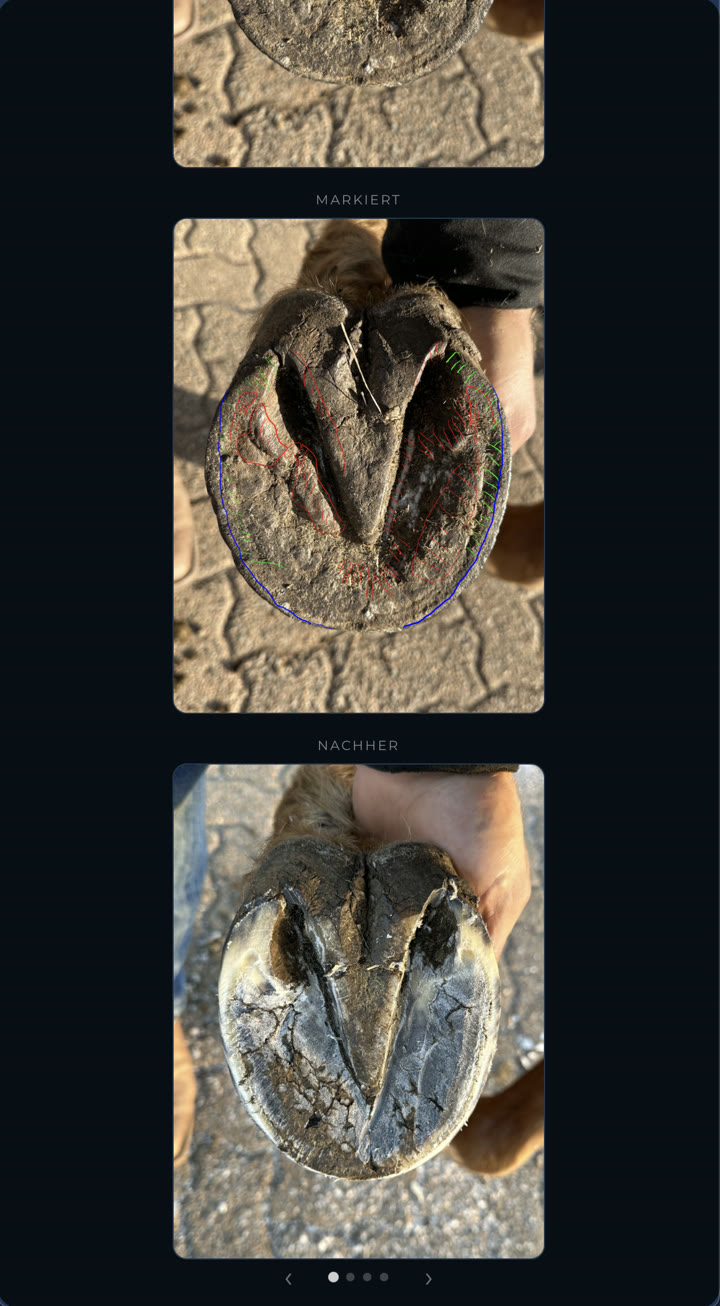
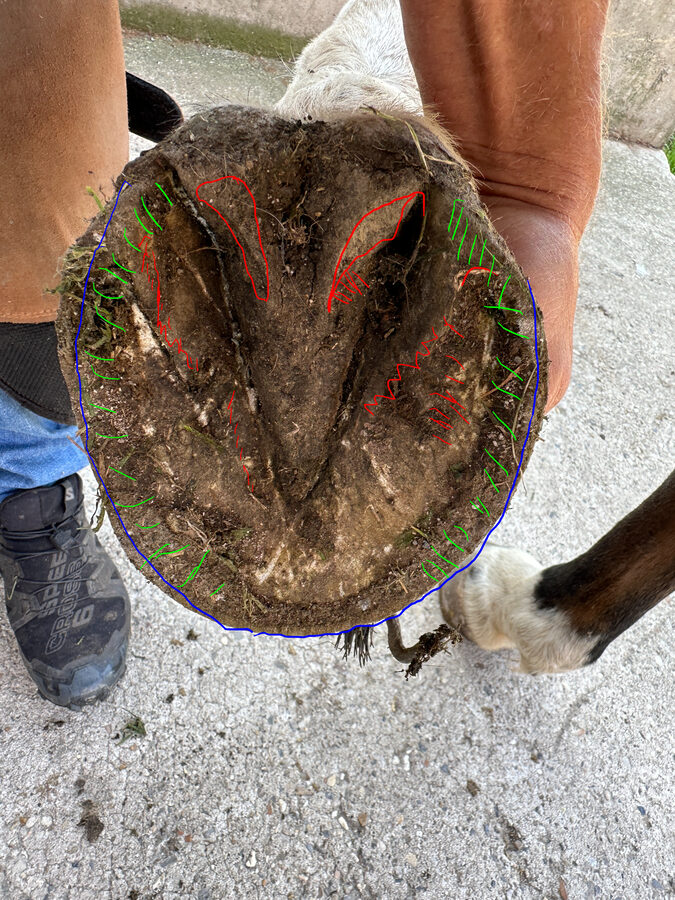
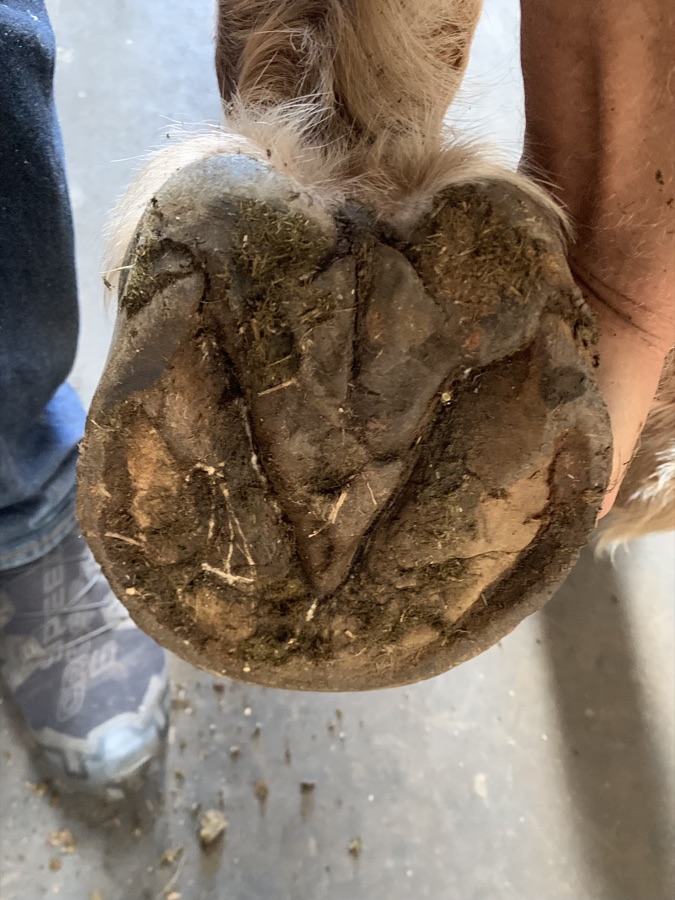
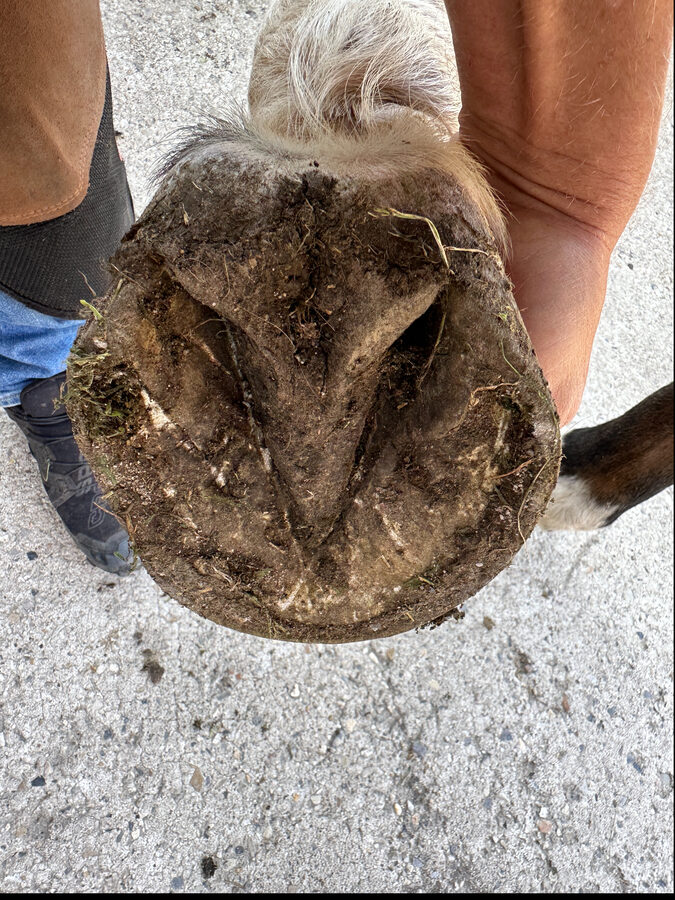
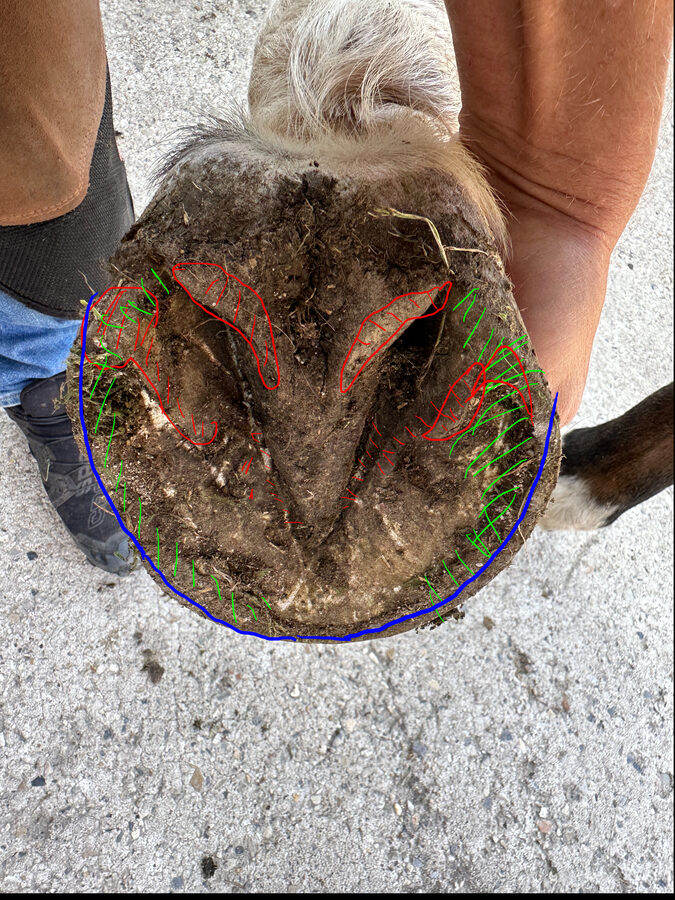
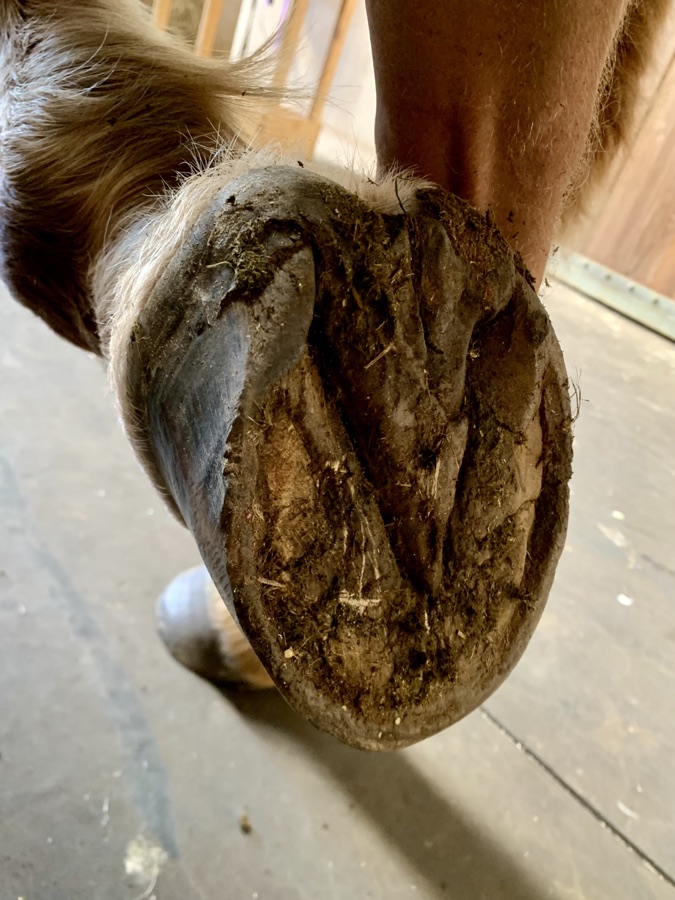
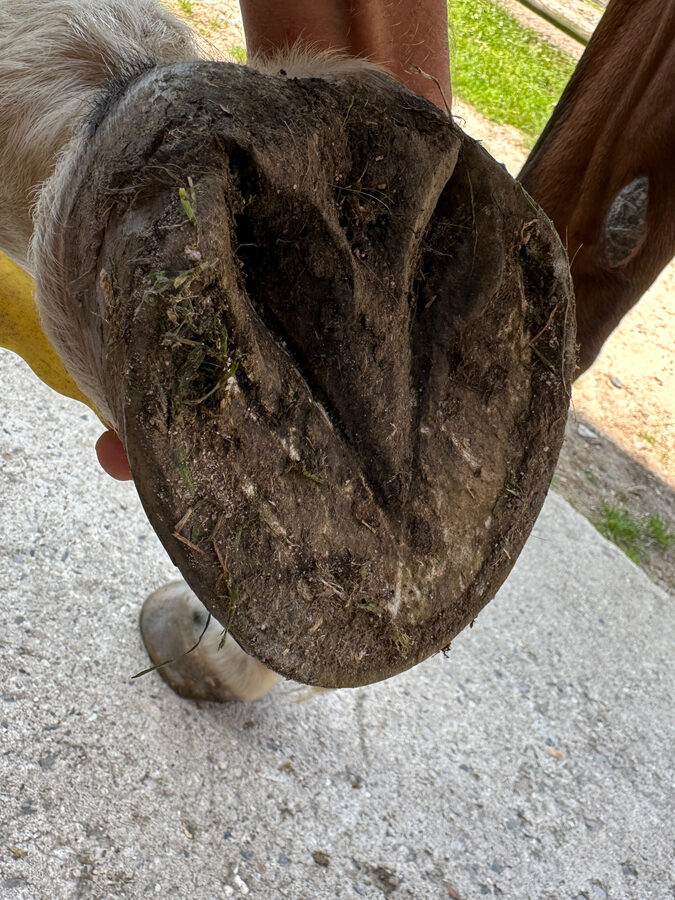
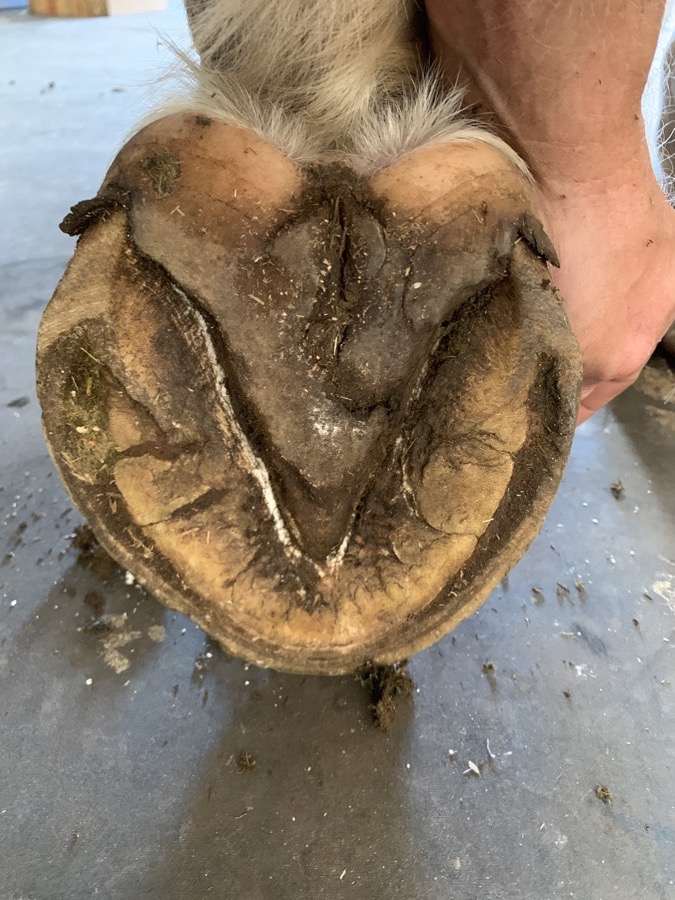
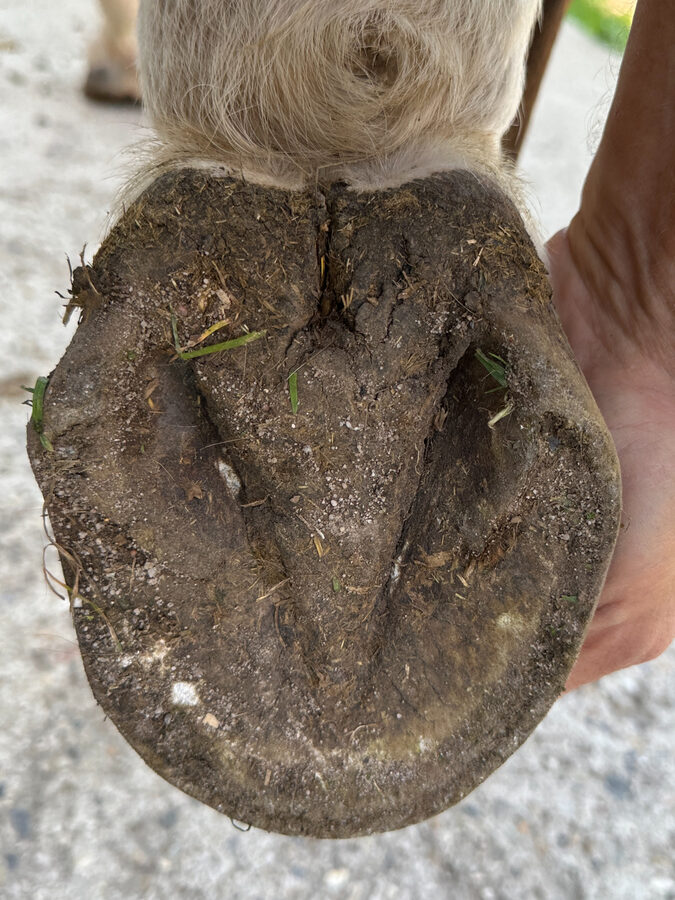
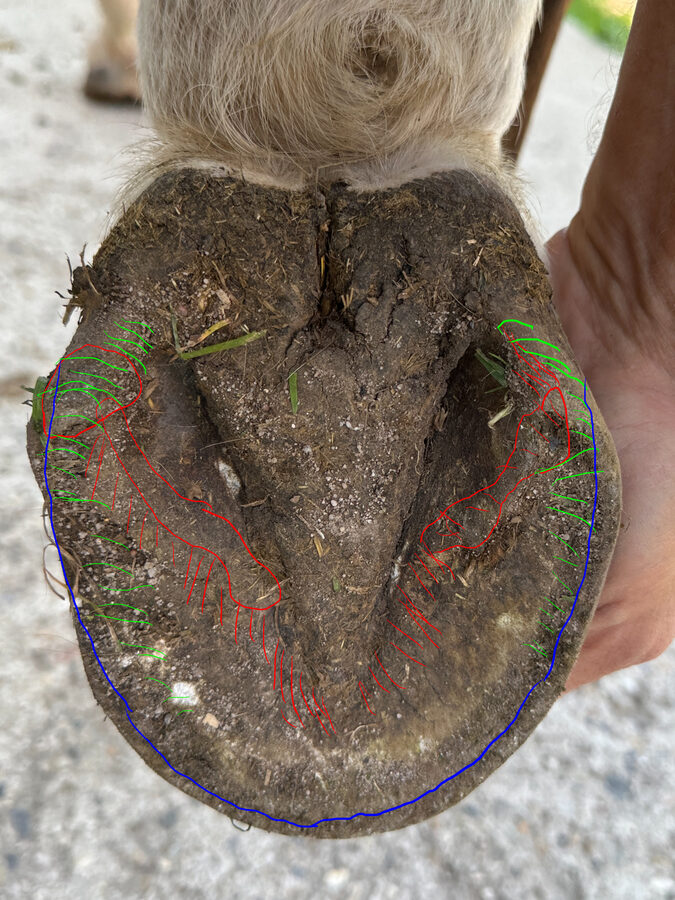
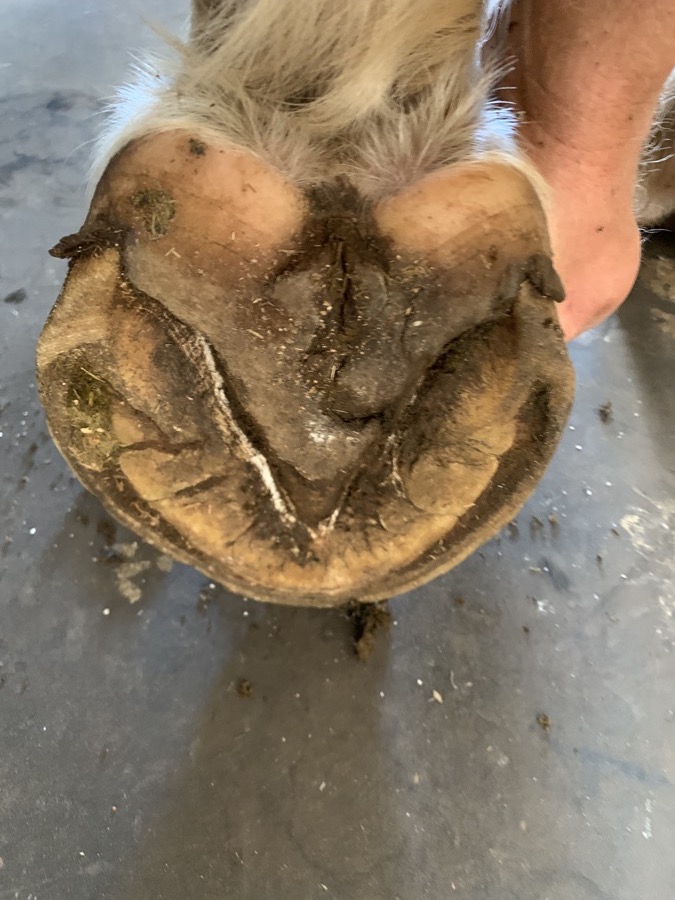
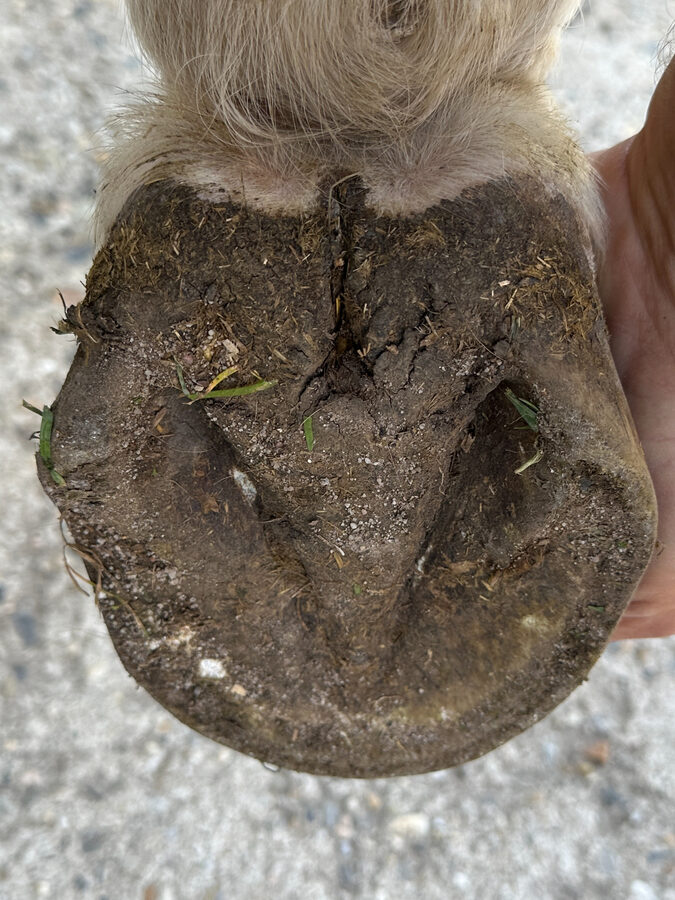
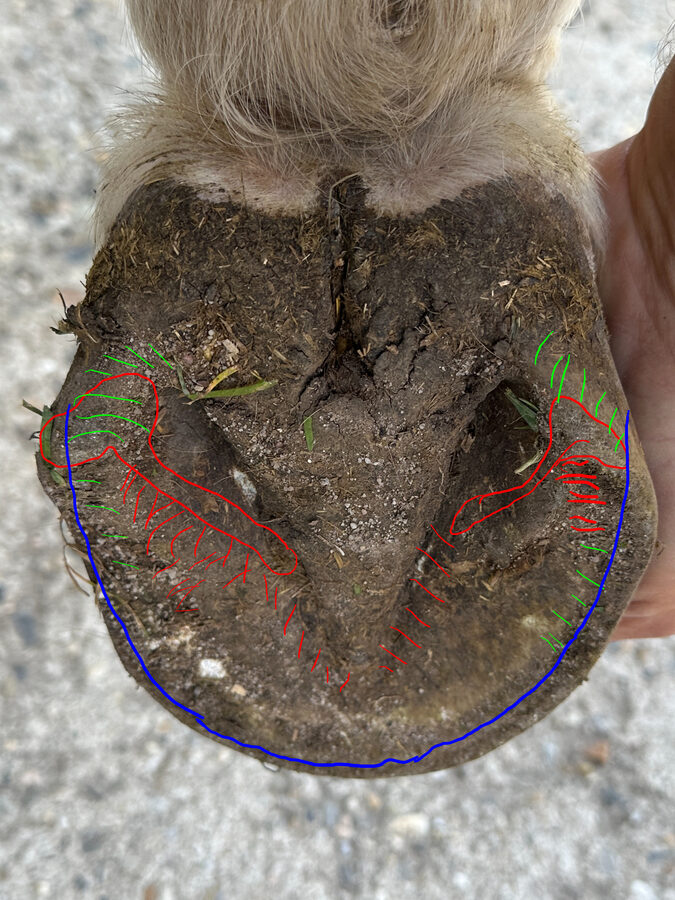
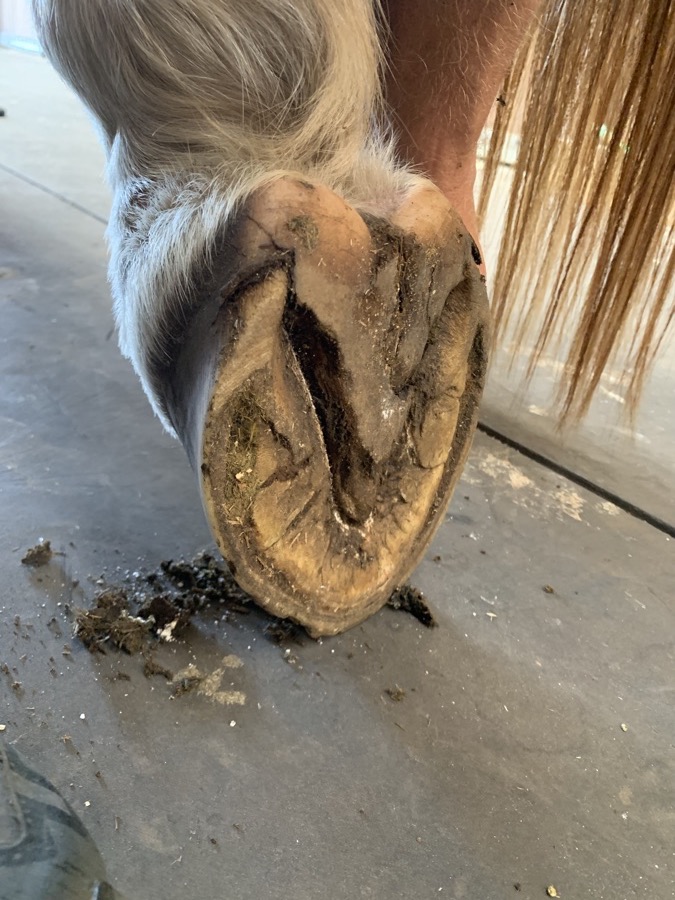
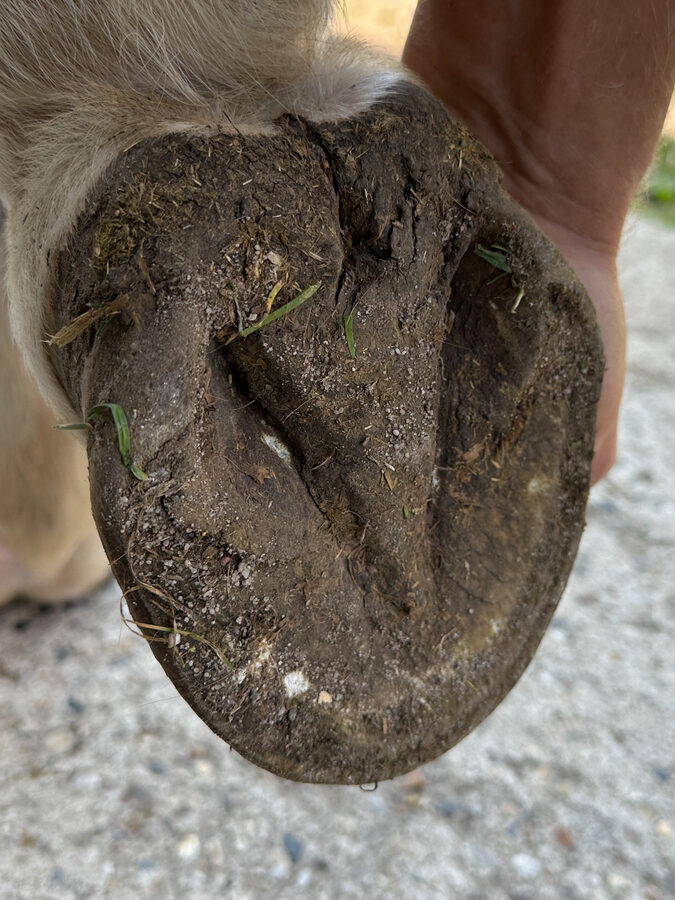
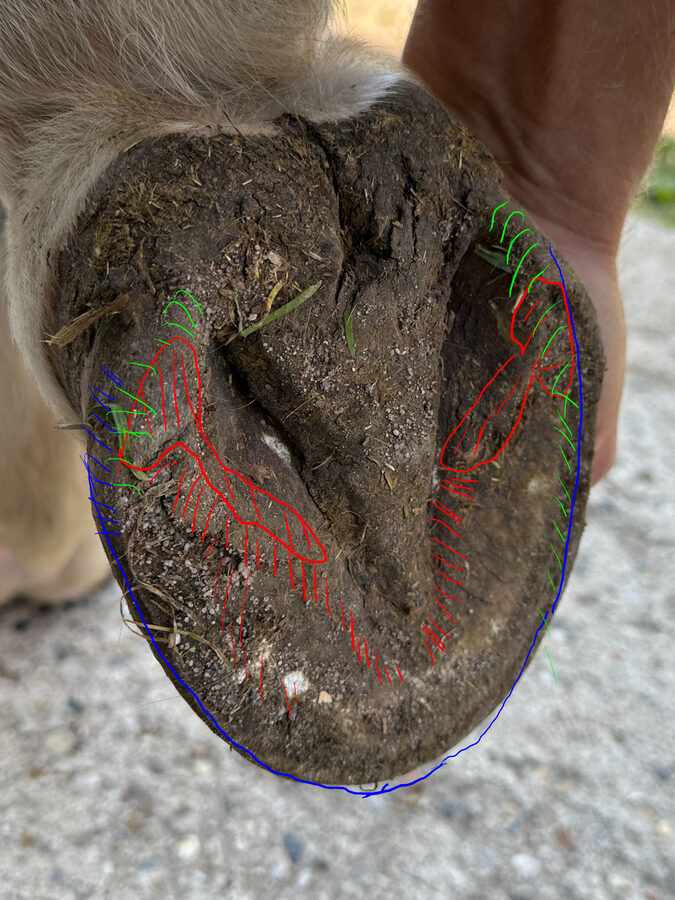
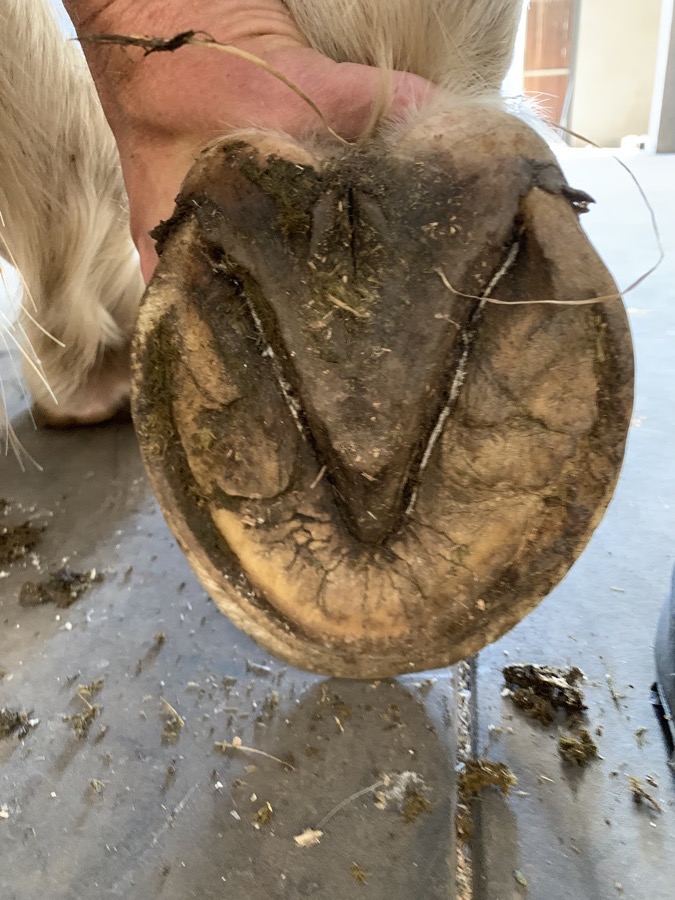
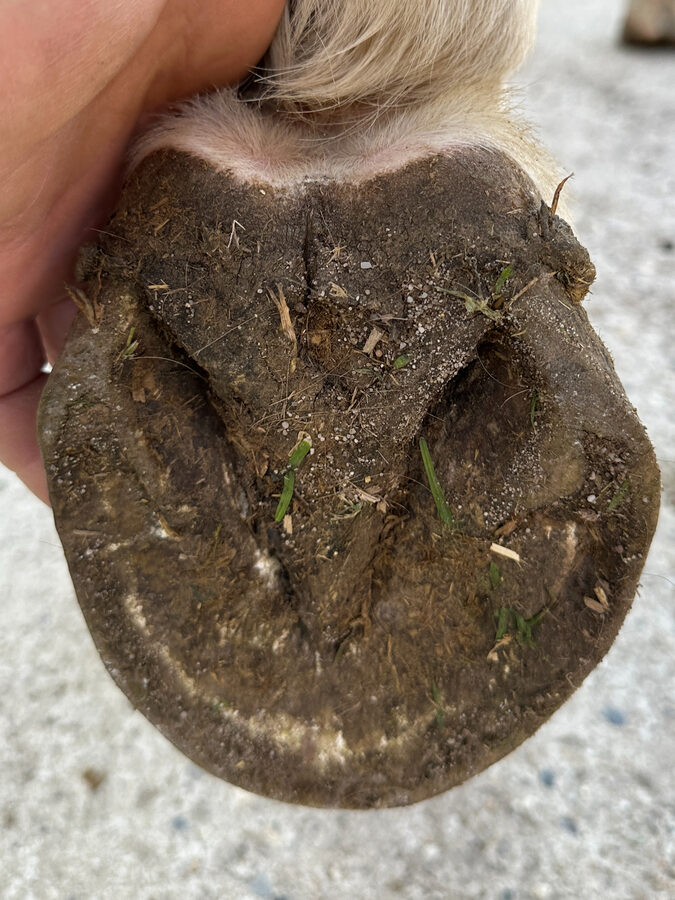
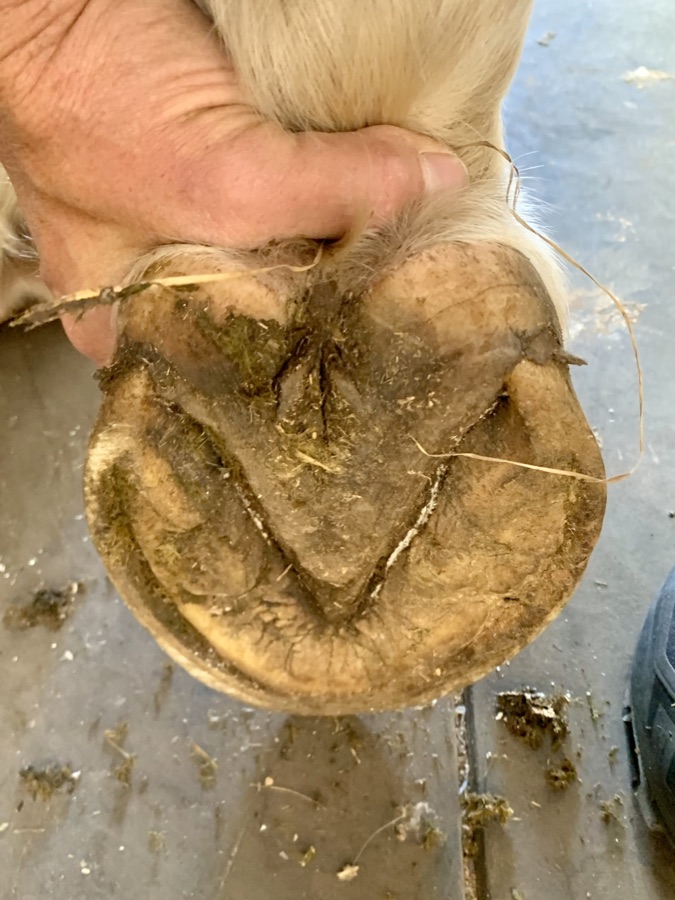
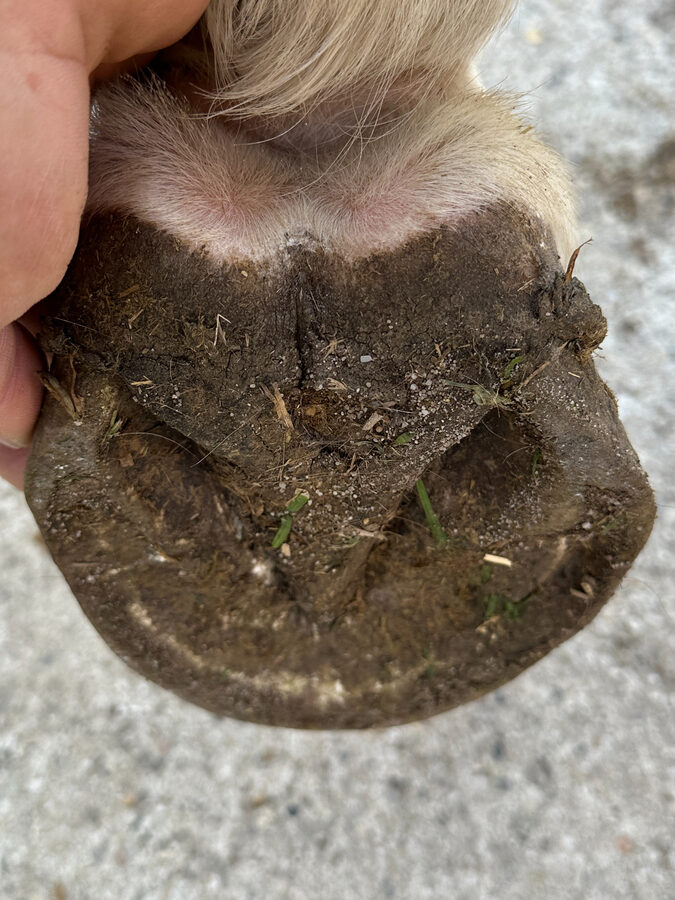
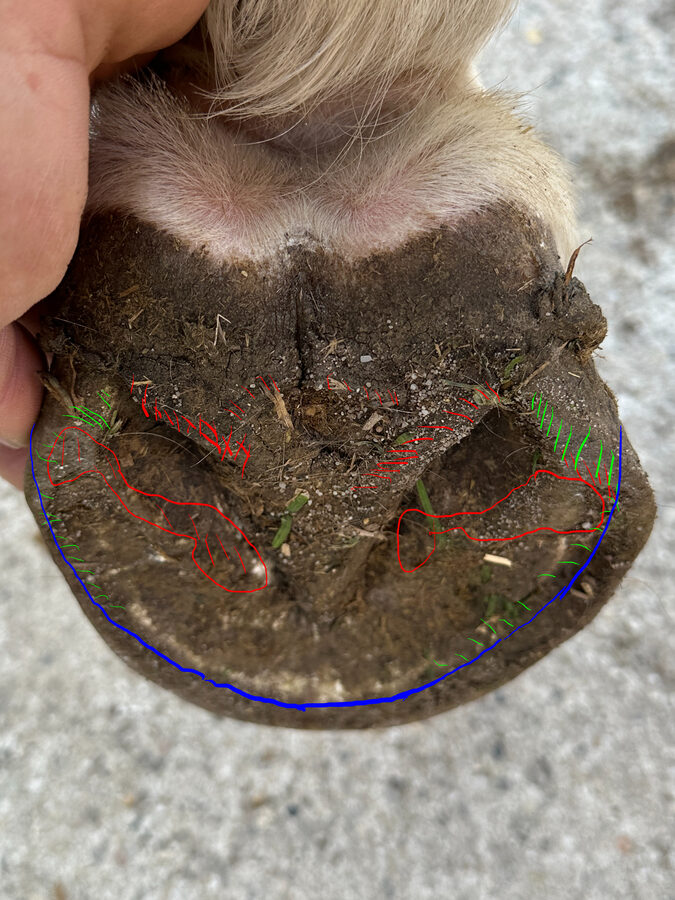
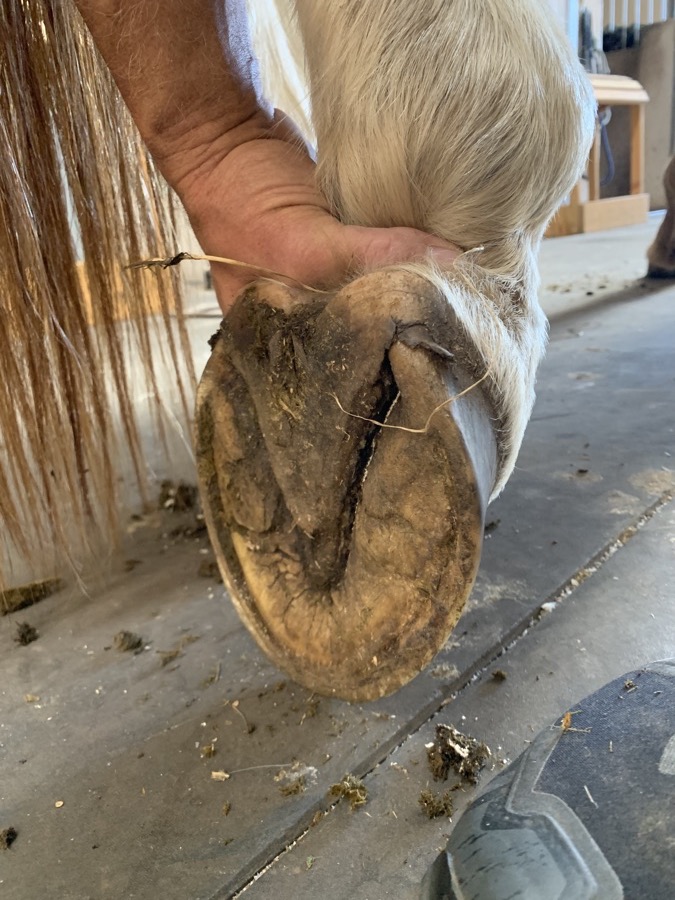
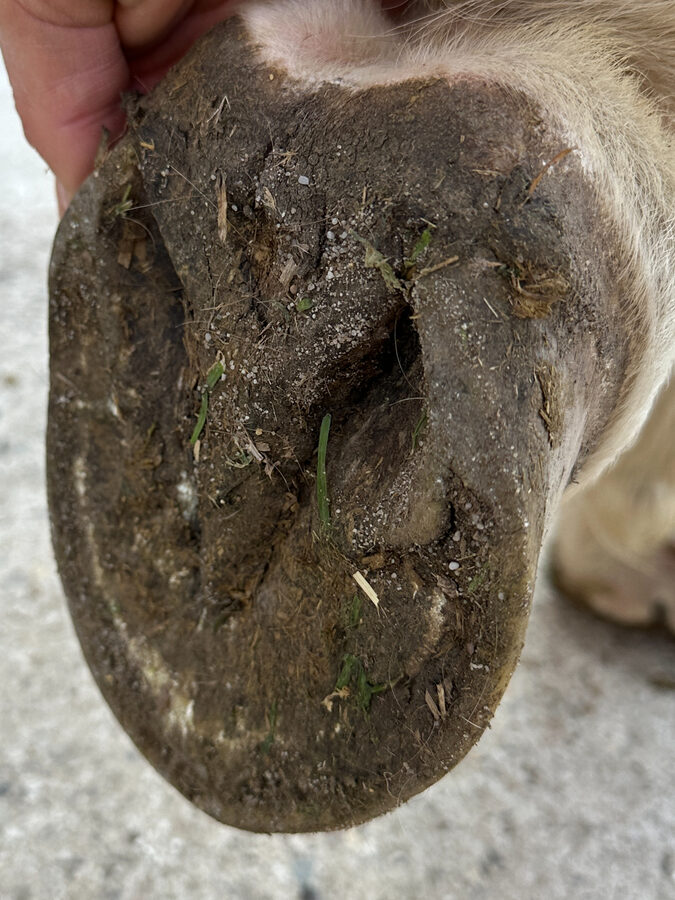
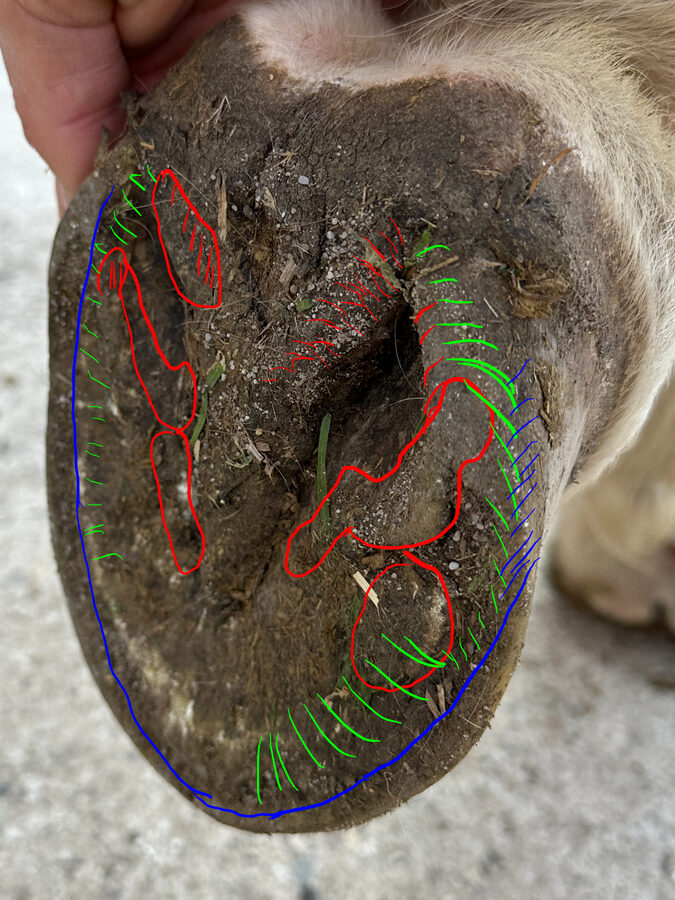
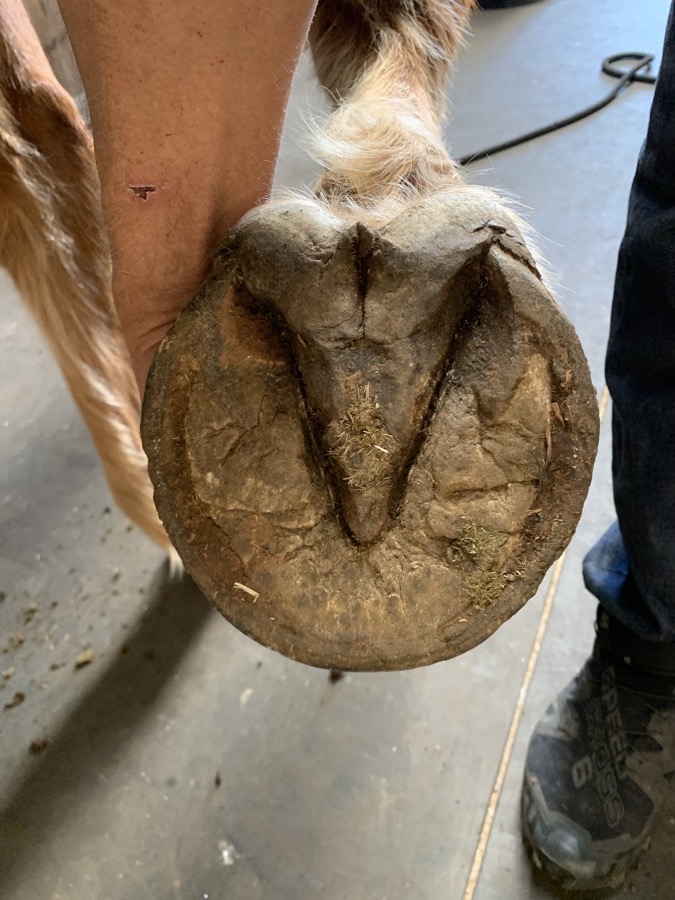
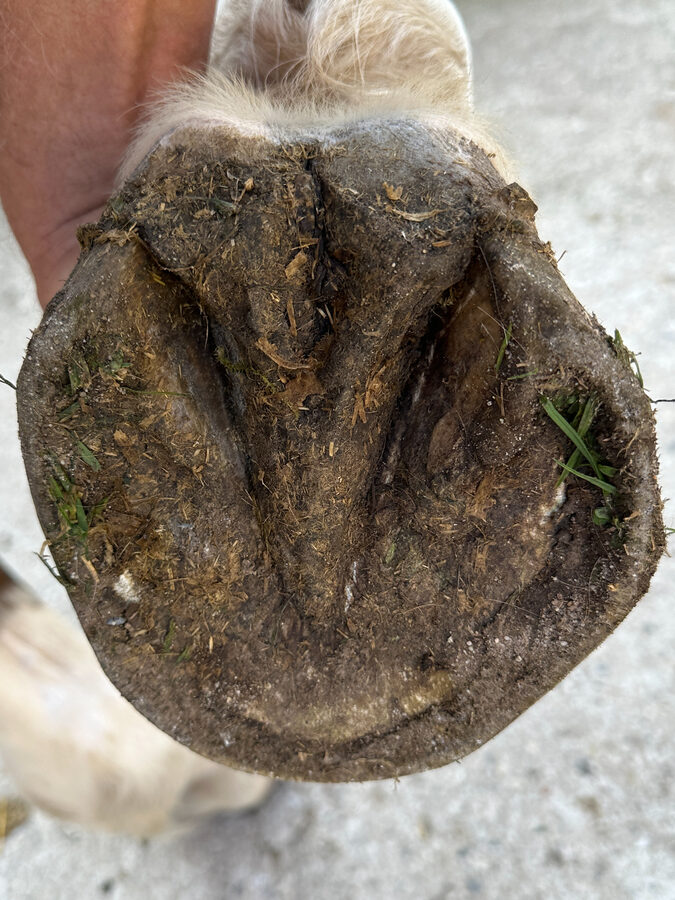
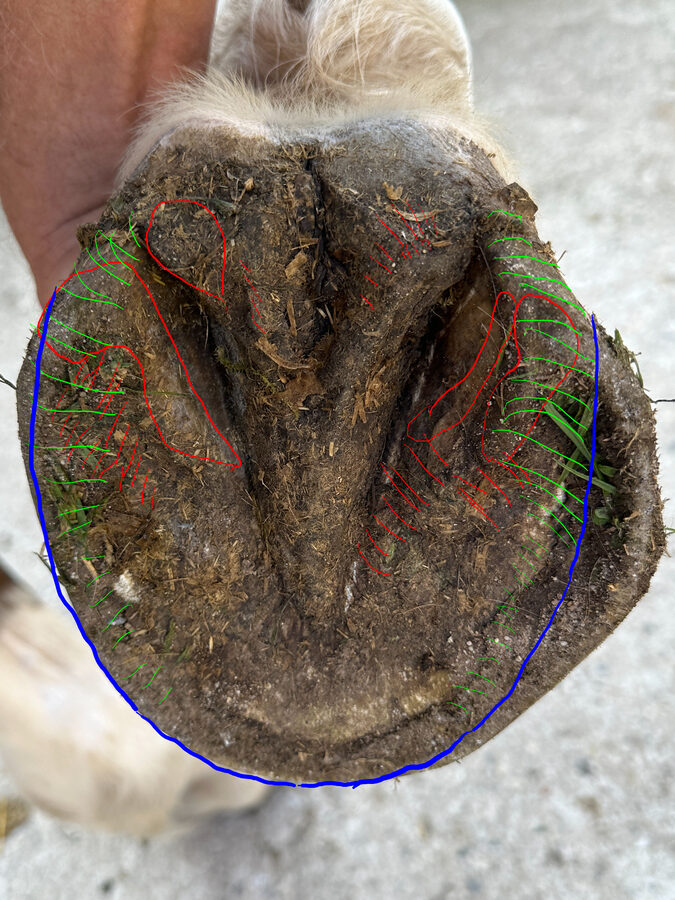
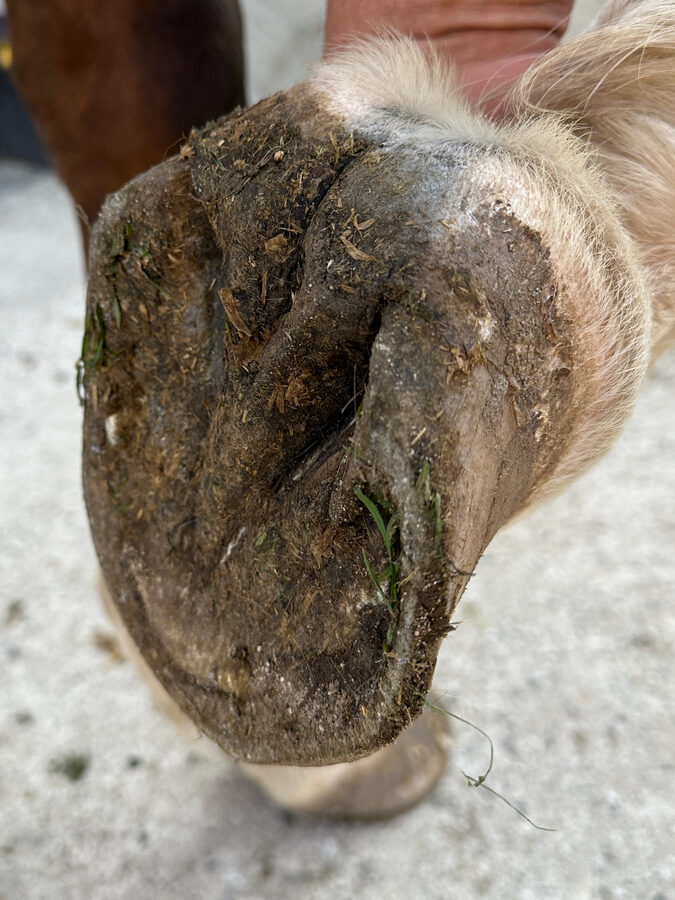
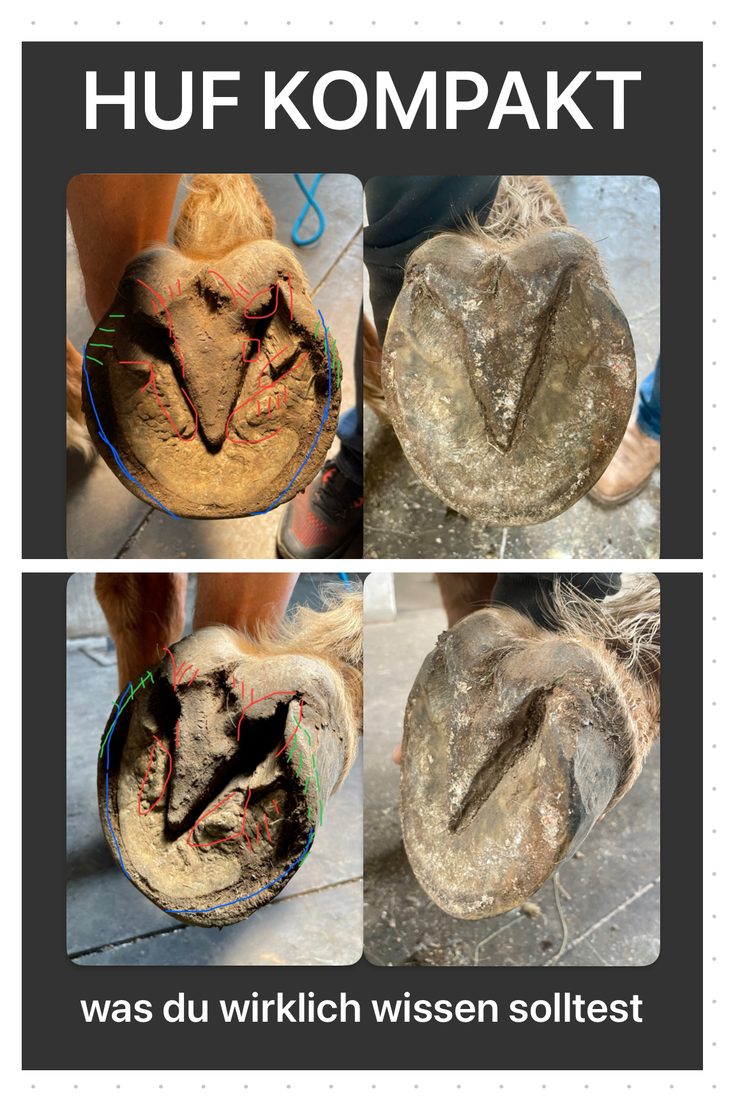
The app shows you hooves before and after trimming. See before-and-after pairs from three perspectives and compare them in four different modes. This helps you understand what changes were made to the hoof.
Your Path Through the App
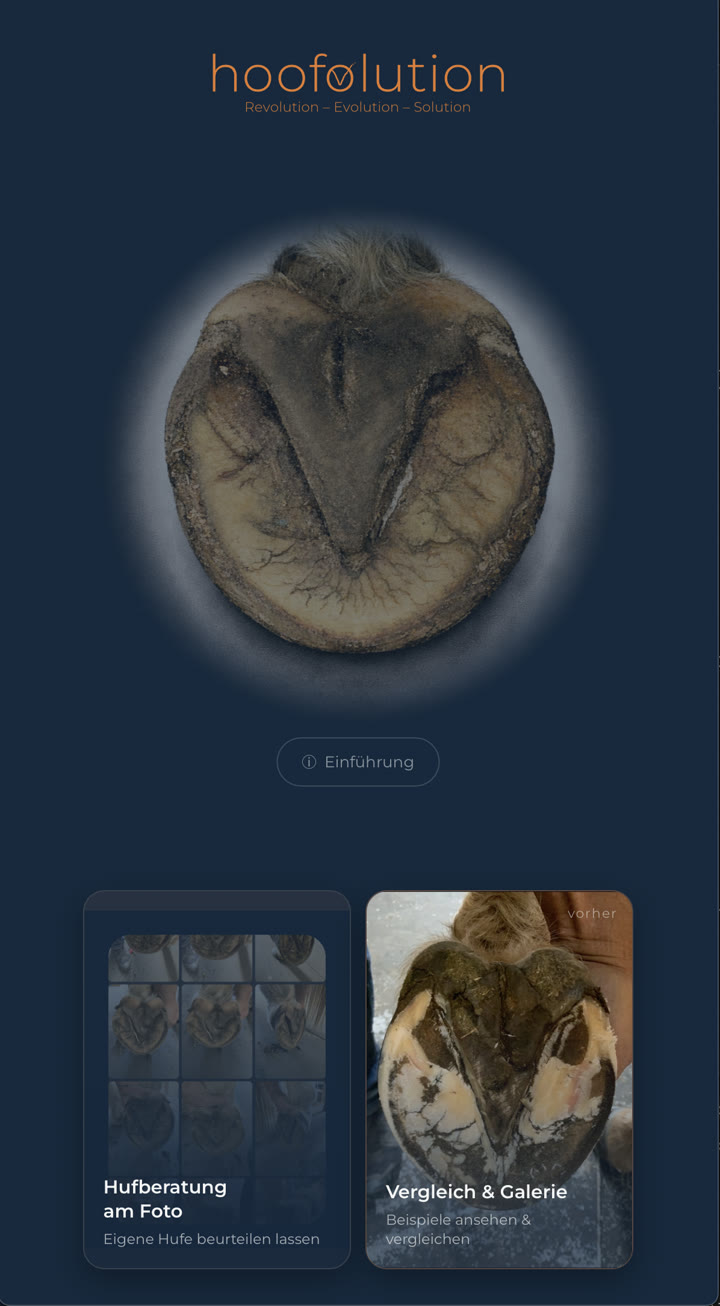
From the lobby to the gallery. Then move on step by step — from the overview to the individual case and finally to the comparison.
Ways to Compare Hooves
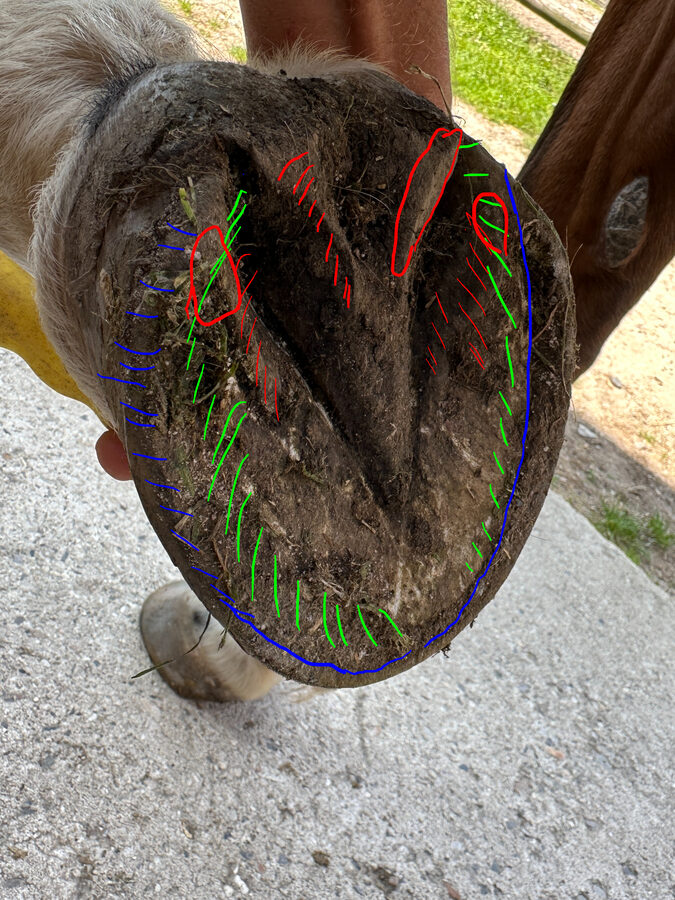
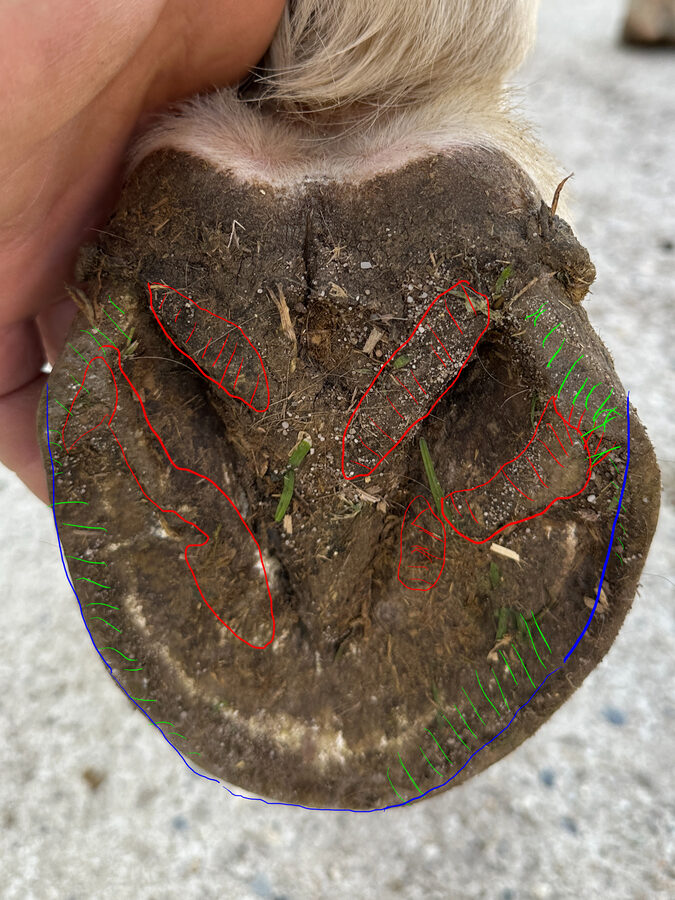
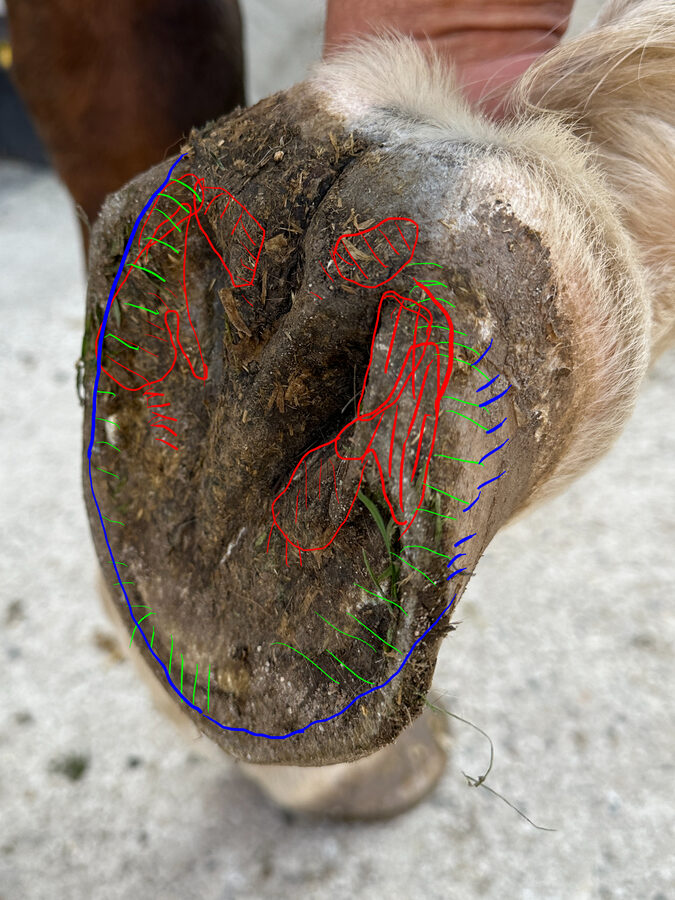
Watch the video to see how the different modes work and how each one offers a different way to learn. One real case in three stages — before, marked, after.
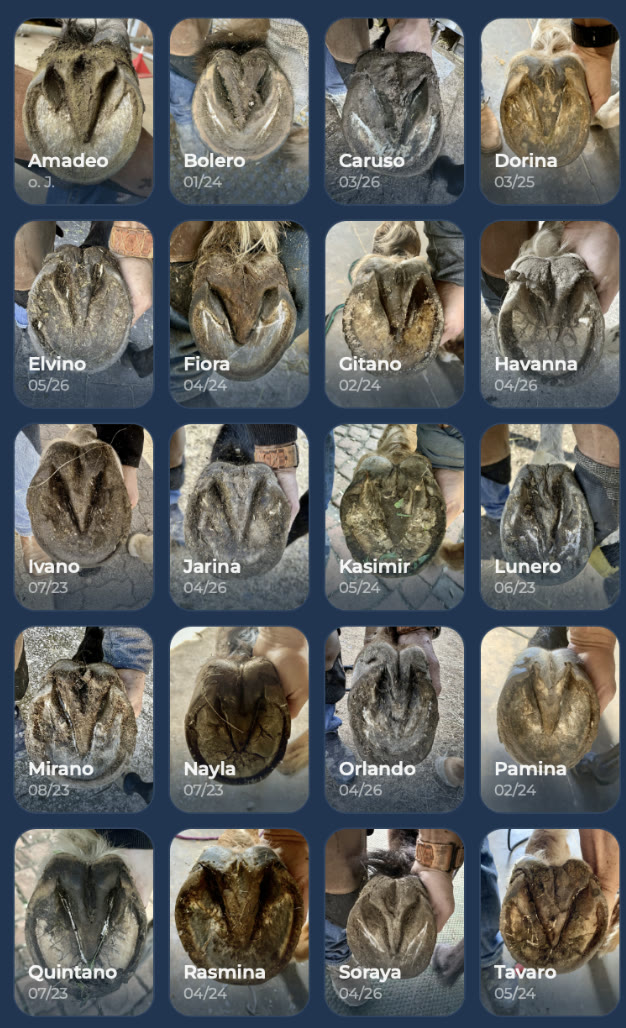
Take a look without signing up
- Four prepared cases
- Unlock one case
- Try it for one week
- Then decide
One week, free of charge — and it ends automatically. If you want to continue, you can choose between two subscription plans.
Would you like to see your own hoof photos marked up like this?
- Upload Photos
- Wait for Your Trimming Support
- Download the Marked Photos
- Do the Trimming Yourself
You need to know how to handle the tools safely — the book includes exercises to help you practise before working on the hoof. After trimming, you can get your photos marked. Use the marking function if you are still inexperienced or unsure whether you have done everything correctly.
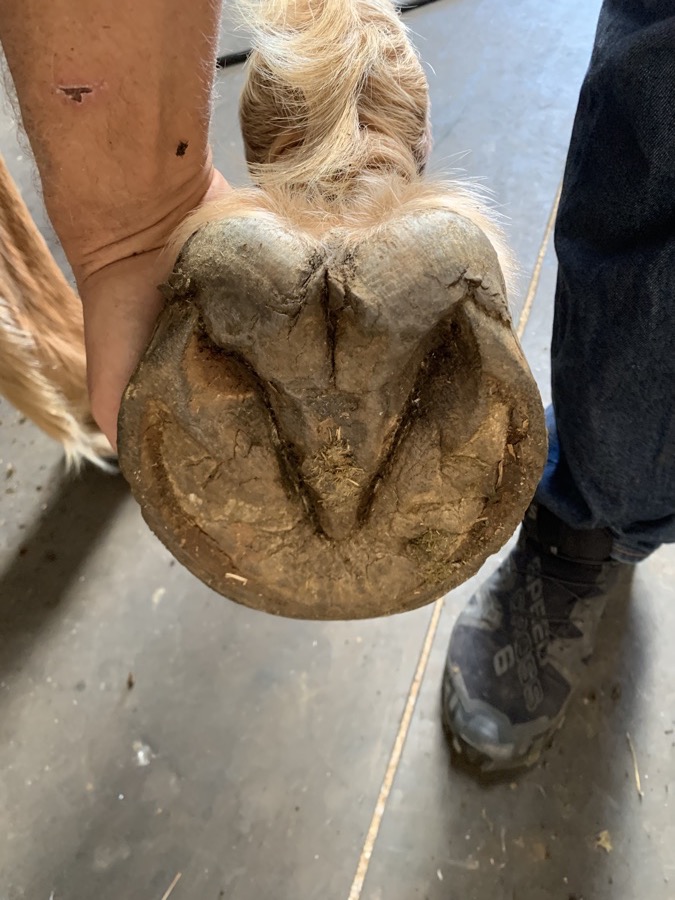
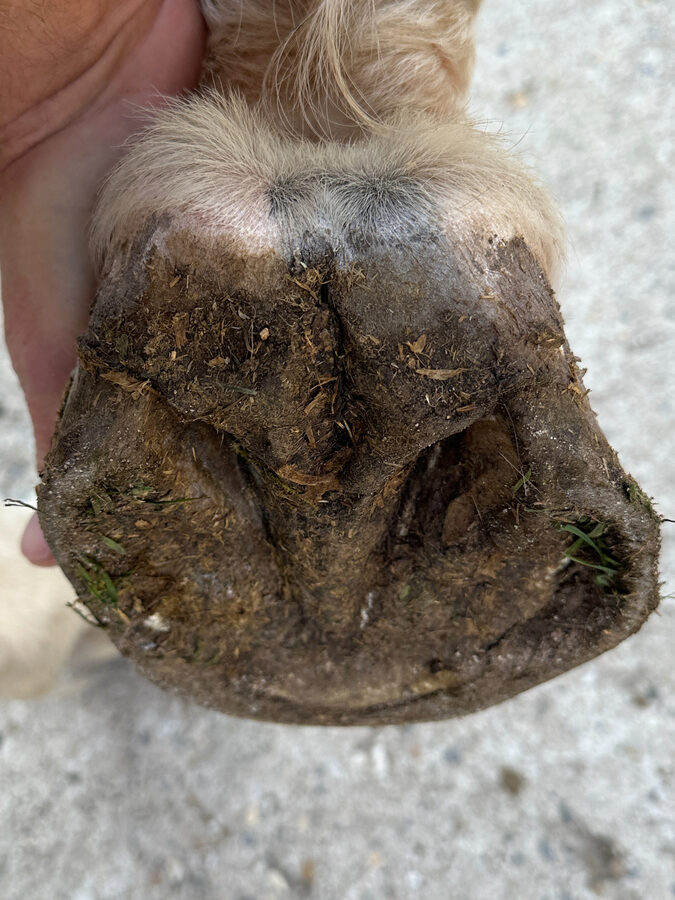
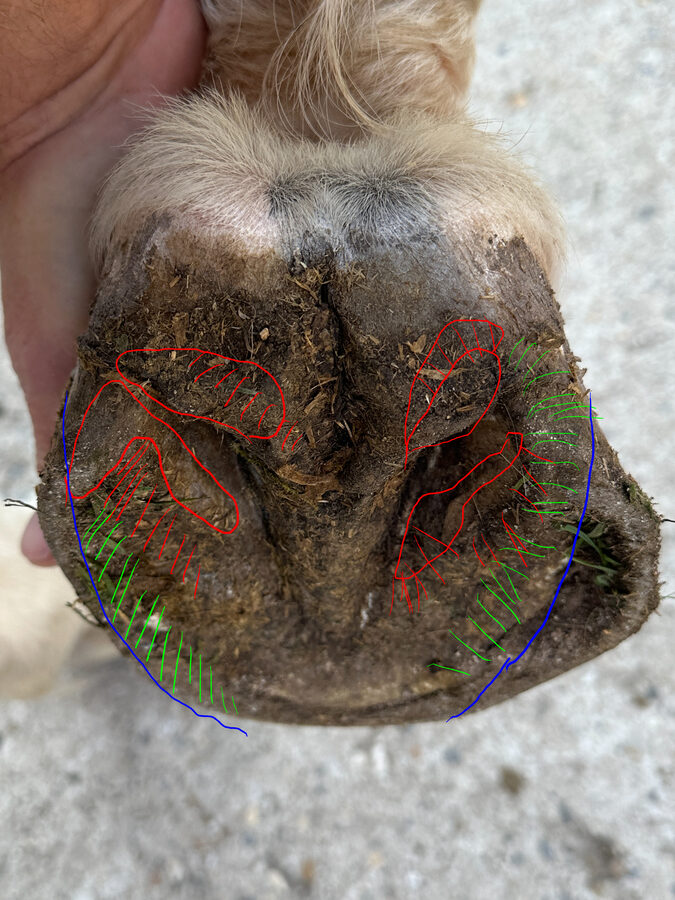
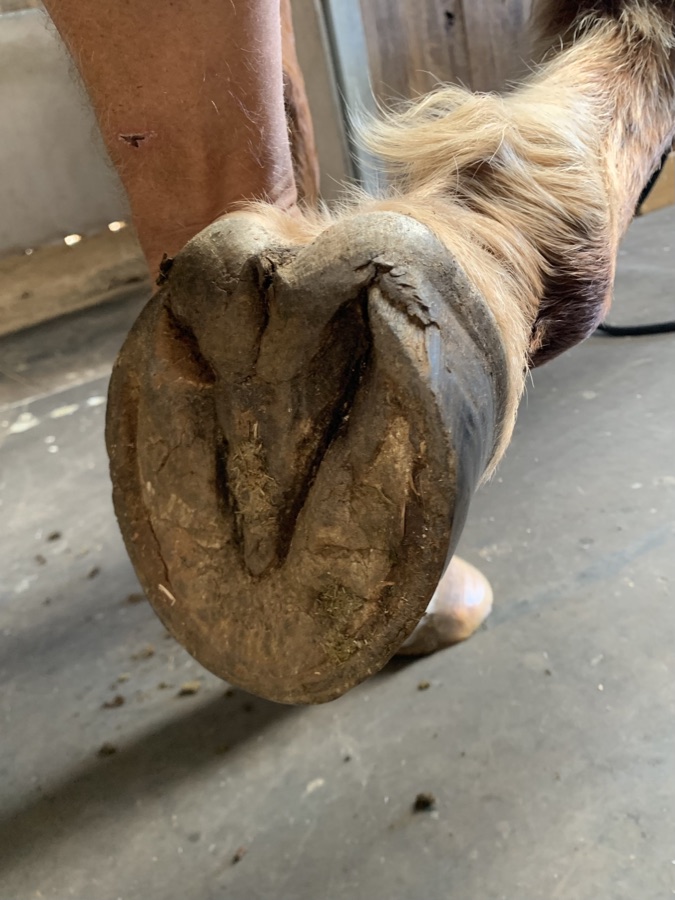
hoofolution grew out of experience.
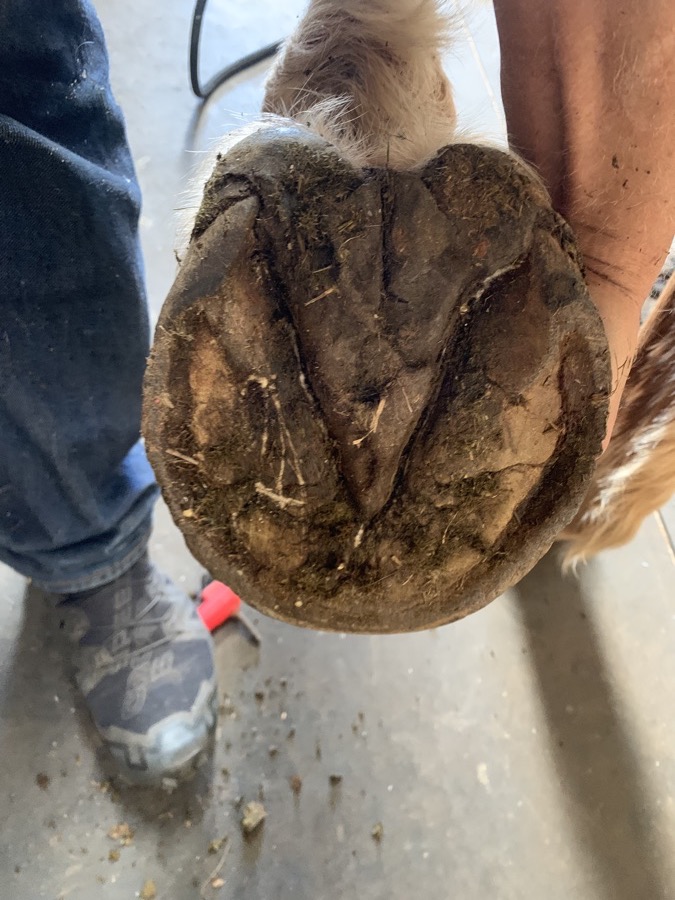
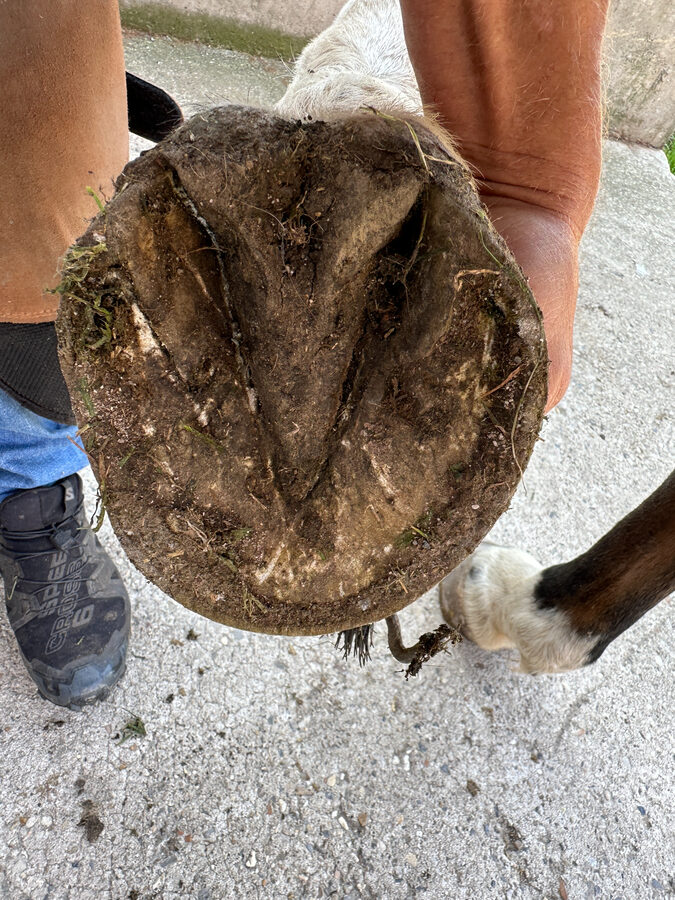
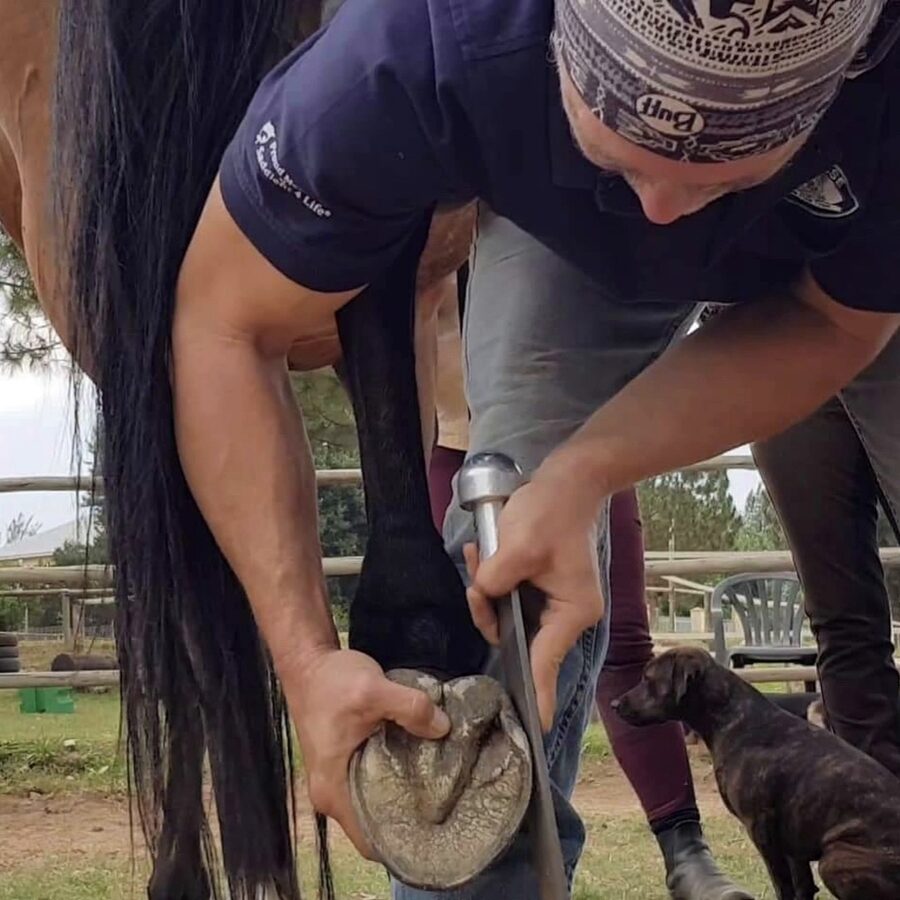
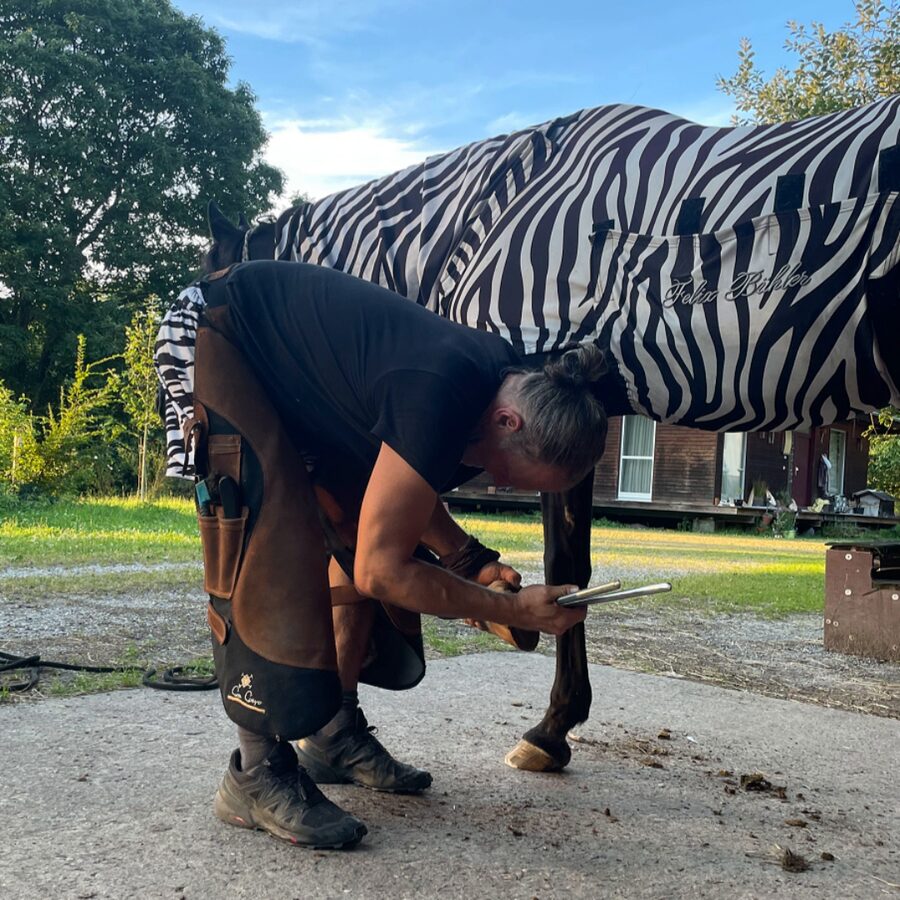
Behind hoofolution is one person with 20+ years of hands-on experience in barefoot trimming and an international client base. All content is based on an extensive personal photo archive containing several thousand images and documenting hundreds of horses — before-and-after sequences that show what the three-color method can achieve on real hooves.
the hoofolutionist
What the horses have to say
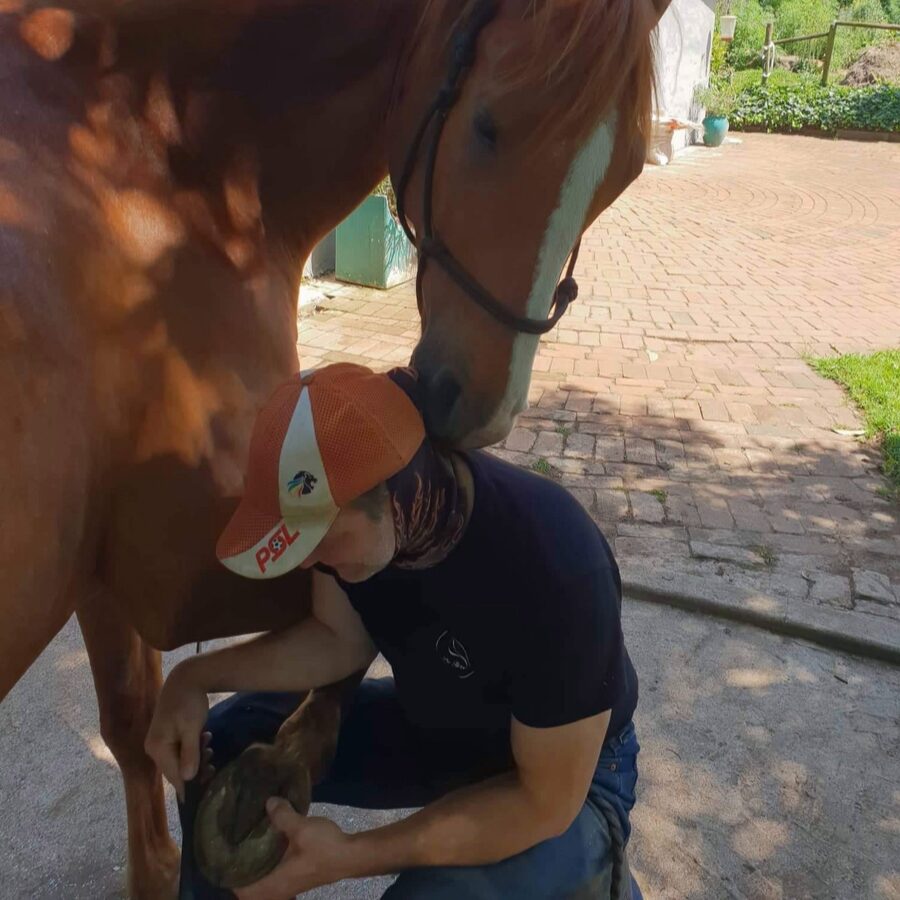
The video shows a few “clients” after trimming. Their relaxed, content expressions say it all. No further comment.
Your questions, my answers.
Do I need to install the app?
No. The app runs in your browser — on your phone, tablet, or computer, with no app store required. On an iPhone, you can add it to your Home Screen through Safari. It will then open in full-screen mode just like a regular app.
Do I need an internet connection?
You need an internet connection to use the app. However, for photo-based trimming support, you can take the photos without using the app. Simply upload them from your photo gallery once an internet connection is available.
How does the trial work?
Choose one of four prepared cases and unlock it for one week. Your access ends automatically afterwards, with no commitment required.
How does the subscription work?
The subscription term is always one month, so you can cancel monthly. Photo-based trimming support is charged separately for each case and is independent of the subscription.
How does photo-based trimming support work?
Upload twelve photos, wait for your trimming support, download the marked photos — and then trim your horse’s hooves yourself. The three-color markings show you where to use each tool, and you also receive my comments. Each case costs 35 euros at the introductory price and is separate from any subscription.
Which photos do I need for photo-based trimming support?
Twelve photos: all four hooves, each photographed from three angles. A straight solar view, a slightly angled view from the heel, and a lateral view from the side — all showing the hoof in its current condition. The app guides you through all twelve positions.